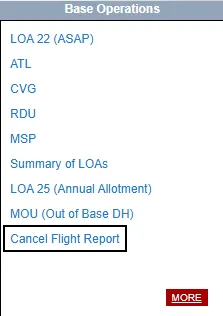
Cancel Flight Report
Nobody enjoys an Irregular Operation (IROP), as it disrupts our normal schedules and daily routines.
Checking the Cancel Flight Report can help you stay ahead of the game. During an IROP, this will quickly become your most valuable resource. The report lists all canceled flights for the day and may even show that your flight has been canceled before the change appears on your schedule.
You can find the Flight Cancel Report on EndeavorAirNet under the IFS tab, located in the Base Operations box on the lower left side of the page. The report is updated frequently throughout the day, so be sure to check it regularly during irregular operations.